Edit your website yourself
Open your site's editor on a laptop or phone. Click the part you want to change and publish your word changes when ready.
These screenshots come from Bakery on O'Connell's website.
- 1
Sign in by email
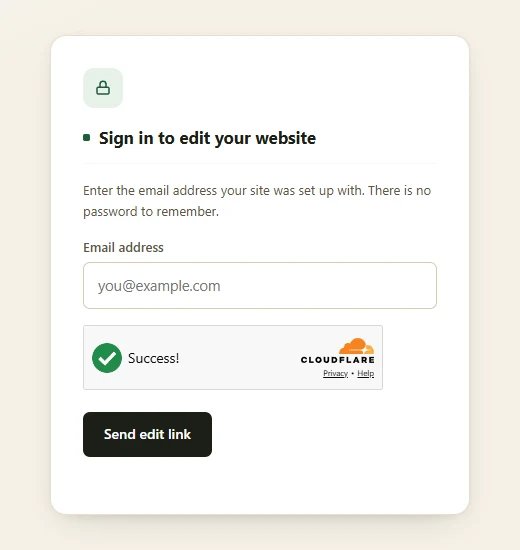
Enter your email address to get an edit link. Open the link and start changing your website. There is no password to remember.
- 2
Click and type
Click any text on your website and type over it. The new words save as a draft until you press Publish.

- 3
Replace a photo
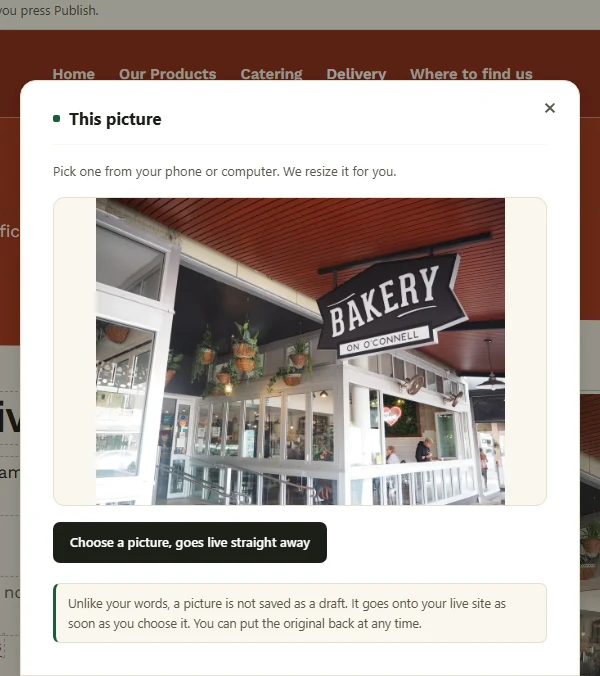
Click a photo and choose a new one from your phone or computer. It is resized, then goes live straight away. Put the original back at any time.
- 4
Update lists and menus
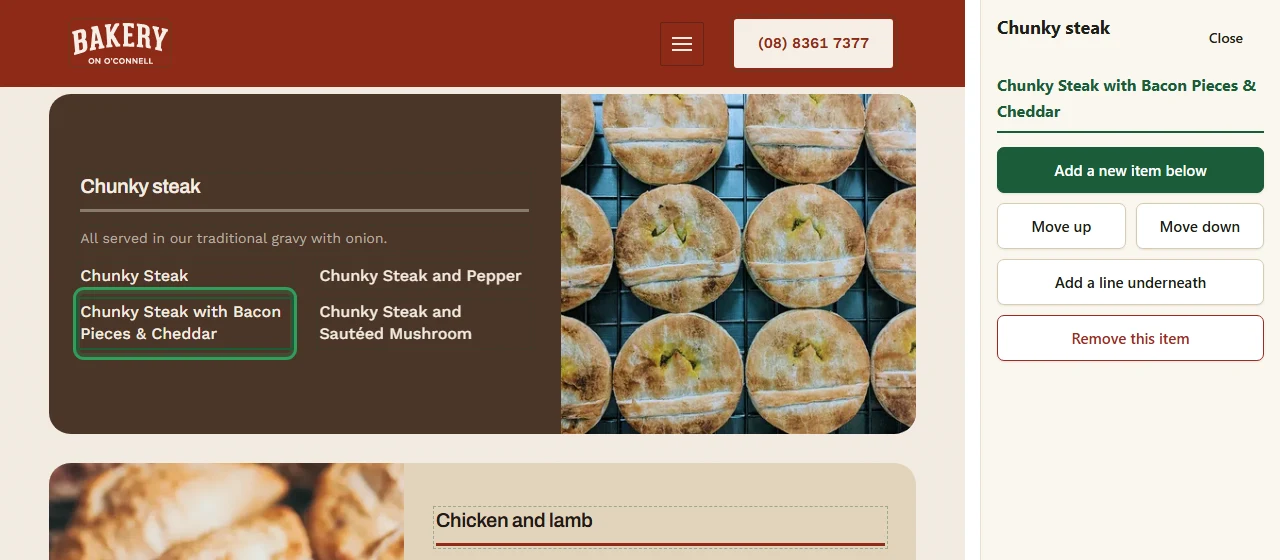
Manage each list from the side panel. Add items, change their order or remove them. Upload a new PDF to update a menu.
- 5
Check and publish
Word changes stay in draft until you press Publish. The button shows how many are waiting. Discard removes the draft. Reset to original restores that part.